Published on September 8, 2025 at 10:00 AMUpdated on September 8, 2025 at 10:00 AM
If you’ve ever found yourself desperately searching for a charger, you understand the crucial role of smartphone battery life. By making a few simple tweaks, you can dramatically extend your smartphone battery lifespan. Optimizing settings and managing apps can help your phone last longer between charges. Want to know how to apply these changes? Let’s dive into practical tips that can significantly boost your smartphone battery lifespan. With these tips, you’ll keep your device running smoothly and efficiently.
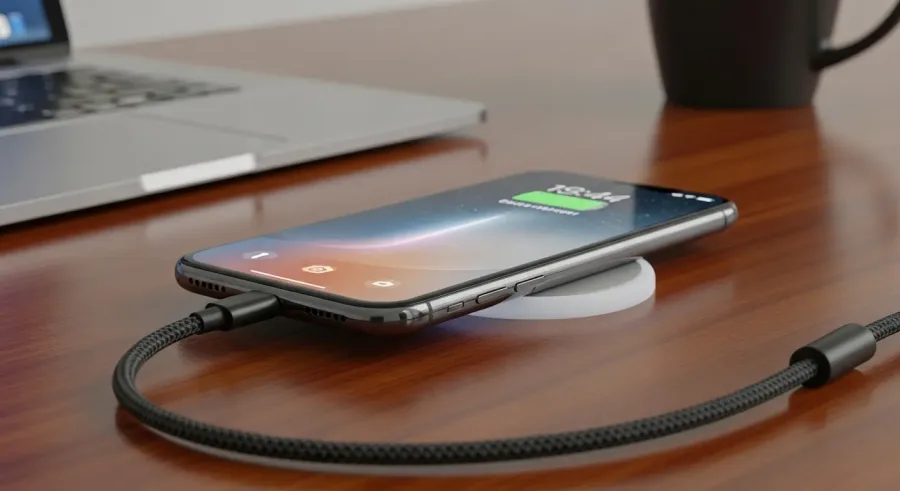
Managing background apps is crucial to prevent unnecessary energy drain, helping your smartphone battery last longer. (Image: Abwavestech)
Optimize your smartphone battery life by tweaking your screen brightness and timeout settings. While a vibrant display is visually appealing, adjusting your screen brightness to a comfortable level can greatly extend battery life. This simple change reduces power consumption.
Most smartphones now come equipped with an adaptive brightness feature, which automatically adjusts the brightness based on your environment. By enabling this feature, your smartphone can save energy effortlessly.
Additionally, consider setting your screen timeout to a shorter duration. Allowing your screen to remain on for too long when not in use can quickly deplete your battery. Aim for a screen timeout of 30 seconds to a minute, ensuring your display turns off promptly when not in use.
Manage background app activity
To extend your smartphone’s battery life, it’s crucial to manage background app activity effectively. Many apps operate in the background, draining your battery without you noticing.
Begin by identifying which apps are the biggest power hogs in your device’s settings. Consider closing or uninstalling the apps you seldom use. Additionally, disable background data for specific apps so they only run when you open them.
If you frequently use social media or messaging apps, tweak their settings to limit notifications or background refresh.
By optimizing background app activity, you can significantly reduce battery drain, extend your smartphone’s lifespan, and ensure it runs smoothly all day.
Managing your smartphone’s background app activity is an essential step in maintaining its efficiency and longevity.
Enable battery saver mode
Looking to extend your smartphone’s battery life? Enabling Battery Saver Mode is a smart strategy to consider.
This feature, known as Battery Saver Mode, is designed to limit background activities and lower battery consumption by automatically adjusting settings like screen brightness and app refresh rates. If you find your battery draining quickly, activating Battery Saver Mode can provide that crucial extra time to help you power through the day.
Typically, you can locate Battery Saver Mode in your phone’s settings menu, often found under “Battery” or “Power Management.”
Once you enable Battery Saver Mode, you’ll likely notice a change in performance, as non-essential functions are temporarily restricted. This simple yet effective feature is a great way to extend your device’s usage between charges, ensuring you stay connected without worrying about running out of power.
Update your smartphone regularly
Keeping your smartphone updated is crucial for maximizing its battery life. Regular software updates play a vital role in optimizing battery performance and fixing bugs that may cause unnecessary battery drain. By regularly checking for smartphone updates and installing them, you can ensure your device operates efficiently.
Smartphone updates also include security patches that safeguard your device from vulnerabilities, which can lead to excessive battery drain. It’s wise to enable automatic updates for your smartphone so you don’t miss out on essential improvements.
Moreover, newer app versions are typically more efficient, helping conserve your smartphone’s battery life. Never underestimate the importance of keeping your smartphone’s operating system and applications current.
Avoid extreme temperatures
Extreme temperatures can have a drastic effect on your smartphone’s battery health. To keep your smartphone running smoothly, it’s crucial to shield it from both scorching heat and freezing cold.
High temperatures can accelerate battery degradation, while extreme cold can temporarily sap its performance. Avoid leaving your smartphone in hot cars or under direct sunlight for prolonged periods.
If you’re out in chilly weather, tuck your smartphone into an inside pocket to keep it warm. Additionally, always charge your smartphone in a cool, well-ventilated space to prevent heat buildup that could harm the battery.
By being mindful of your smartphone’s environment, you can extend its battery lifespan and ensure it continues to perform optimally.
Conclusion
Unlock the secrets to a longer-lasting smartphone battery with these five essential tips! By following these easy steps, you can significantly extend your smartphone battery’s lifespan. Start by adjusting your screen brightness and timeout settings to conserve power. Managing background apps is crucial to prevent unnecessary energy drain, helping your smartphone battery last longer. Don’t overlook the importance of enabling Battery Saver Mode when your phone’s power is running low.
Keeping your device updated is another key to ensuring optimal performance and extending your smartphone battery’s life. Lastly, protect your phone from extreme temperatures to maintain its battery health. Implement these strategies to enjoy a longer-lasting smartphone battery and enhance your overall smartphone experience!